
Overview
StayPrivateMail lets your business send secure emails and share files with customers. Each recipient gets their own copy, with messages and files automatically organised in Keepd.
Customers can read a message, keep a document and return to it later. When you need information back, they can also reply securely and upload their own files.
Customer notification
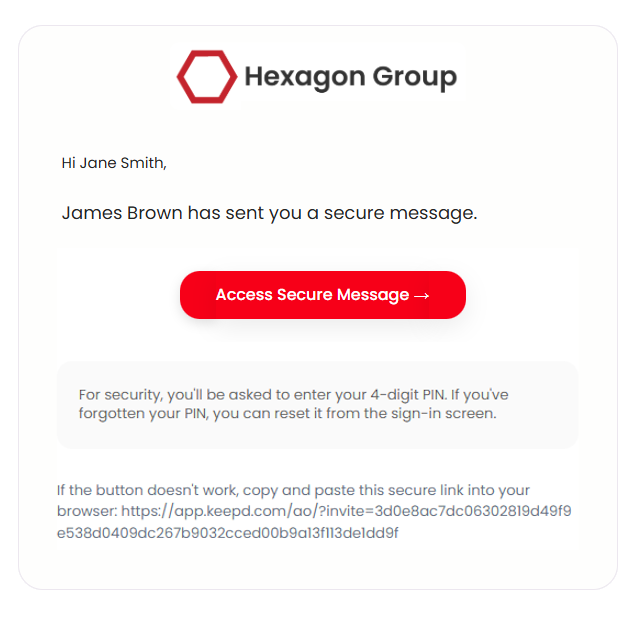
By default, messages and attachments reach TLS-capable business inboxes using TLS encryption. Personal recipients and businesses without TLS receive a notification linking to Keepd. Copies are also organised in Keepd.
Company branding helps customers recognise who has sent the message.
Use #private-all instead of #private when every recipient should access the message and files through Keepd, including business recipients.
Secure access
Recipients using Keepd follow the notification link to access their message securely. They do not need to sign up separately for Keepd before you send to them.
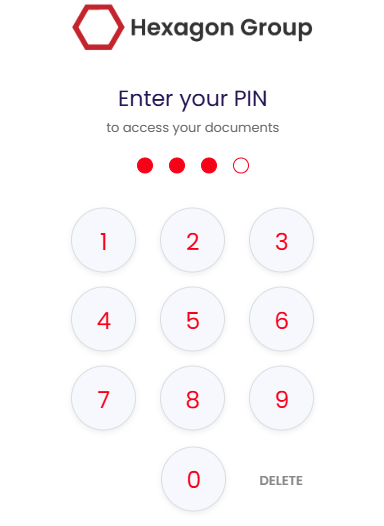
Customers set their own PIN when they first access Keepd. If they forget it later, they can reset it themselves without asking your team.
Their own copies in Keepd
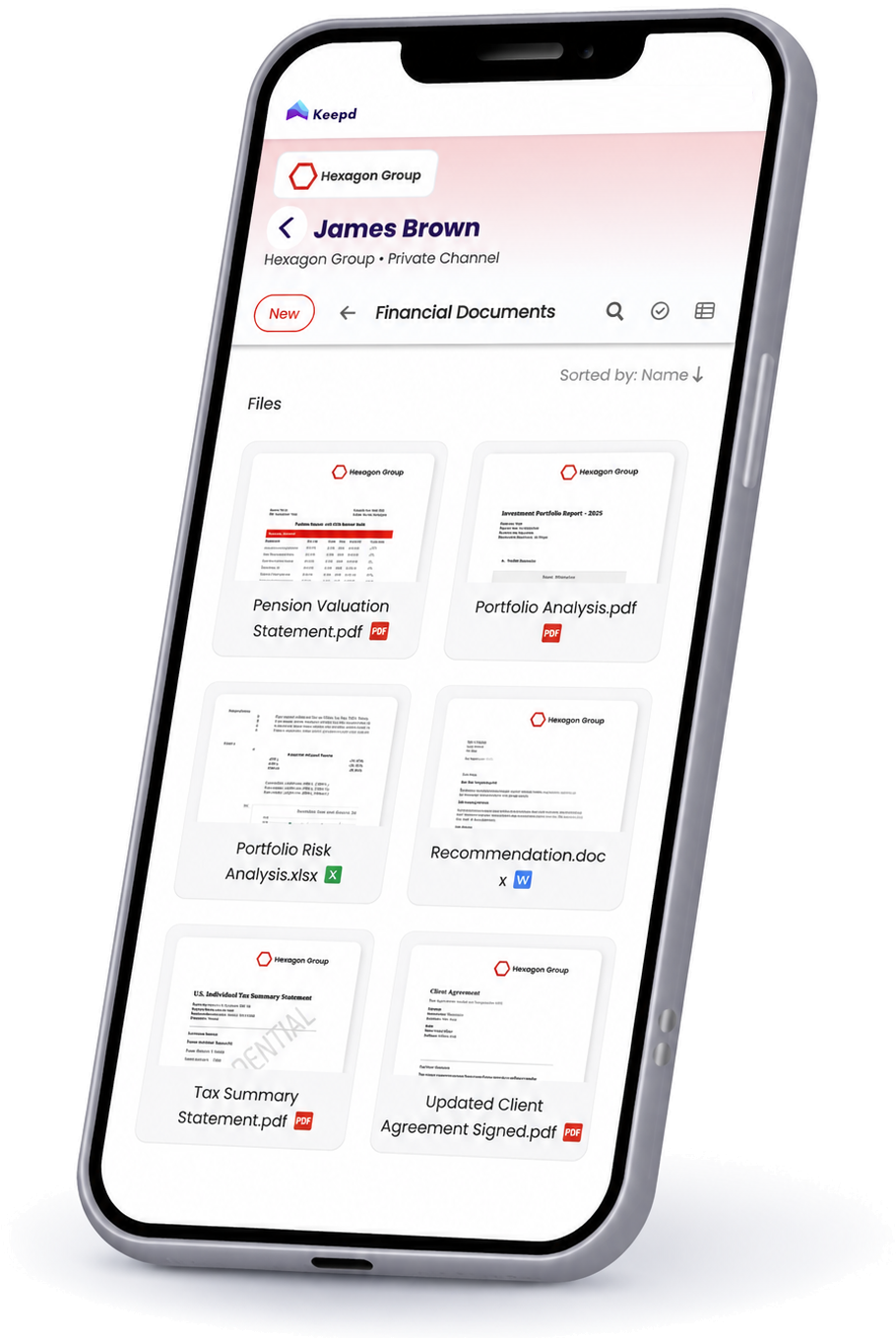
Keepd is where customers access the messages and files you send through StayPrivateMail. They receive their own copies, automatically organised for them.
Keepd automatically groups communications into channels based on the sender and recipients. Each channel has a Messages area and a Files area, so customers can return to the conversation or browse shared files.
A message can stand on its own or include files. Customers can keep important records such as statements, reports and agreements alongside the messages that explain them.

Find messages and files again
Customers can return to Keepd when they need something again, instead of searching for an old notification or asking your team to resend it.
This is useful for everyday messages as well as documents they may need much later, such as policy details, reports or formal notices.
Reply or upload files when needed
Many messages simply give customers information to read and keep. No reply is needed.
When a response is useful, customers can reply securely from Keepd and upload their own files. For example, they can ask a question about a report or send information your team has requested.
Why it helps
A familiar place to return
Customers know where to find messages and files from your business.
Fewer requests for copies
Customers can retrieve information themselves, helping reduce resends and support queries.
A secure way to respond
When you need information back, customers can reply and share files from Keepd.
Good to know
- Customers are not charged for receiving your messages and files.
- No separate Keepd sign-up is required before receiving a message.
- You can send a message with or without files.
- Customers receive their own copies to keep and find later.
- Replies and uploads are available when needed.
Next step
Choose how your business will send secure messages and share files.